Dstny Mobile
Getting Started
Step 1: Preparing for Installation
Before you begin, ensure:
- Your device is connected to the internet.
- You have enough storage space for the app.
- Your mobile software is not more than three versions behind.
Step 2: Installing & Activating the App
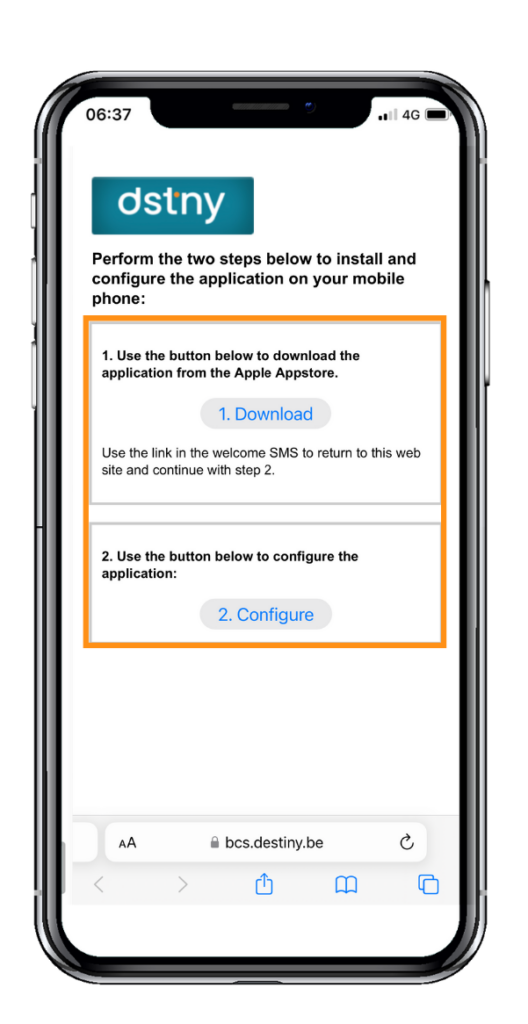
- You’ll receive an activation SMS with a link.
- Click the link to open a webpage.
- Download & install the Destiny mobile app.
- Go back to the SMS and select Configure.
Tip: It’s important to follow these steps in order for the app to work properly.
Step 3: Granting Permissions
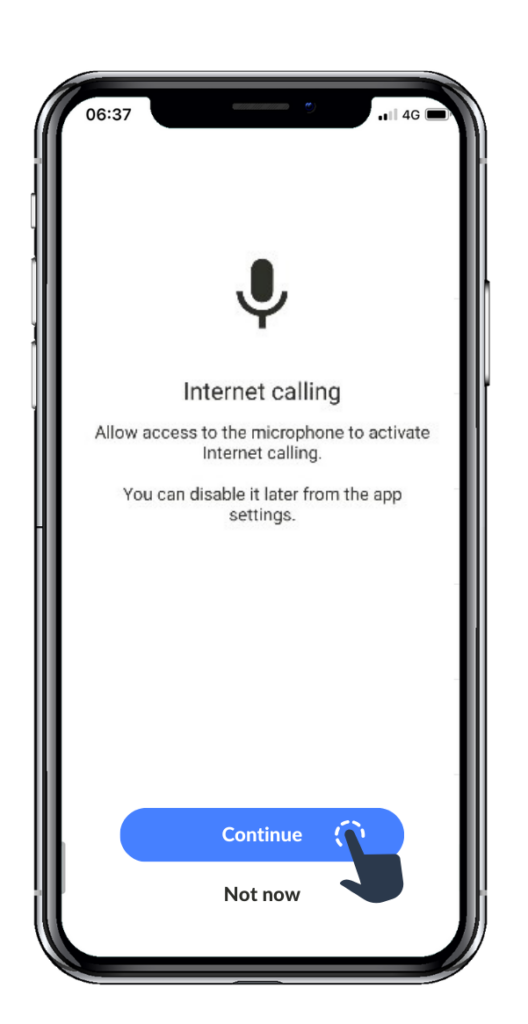
When you open the app for the first time, allow the necessary permissions:
- Microphone – Enables internet calling.
- Phone Access – Supports call initiation and transfers.
- Contacts – Helps search and display names instead of numbers.
- Files & Media – Allows sharing of files, photos, and voice messages.
- Draw Over Apps – Enables pop-up call assistance.
The app will guide you with on-screen prompts to make setup easy!