Dstny Mobile
Managing Contacts & Call Logs
Accessing Contacts
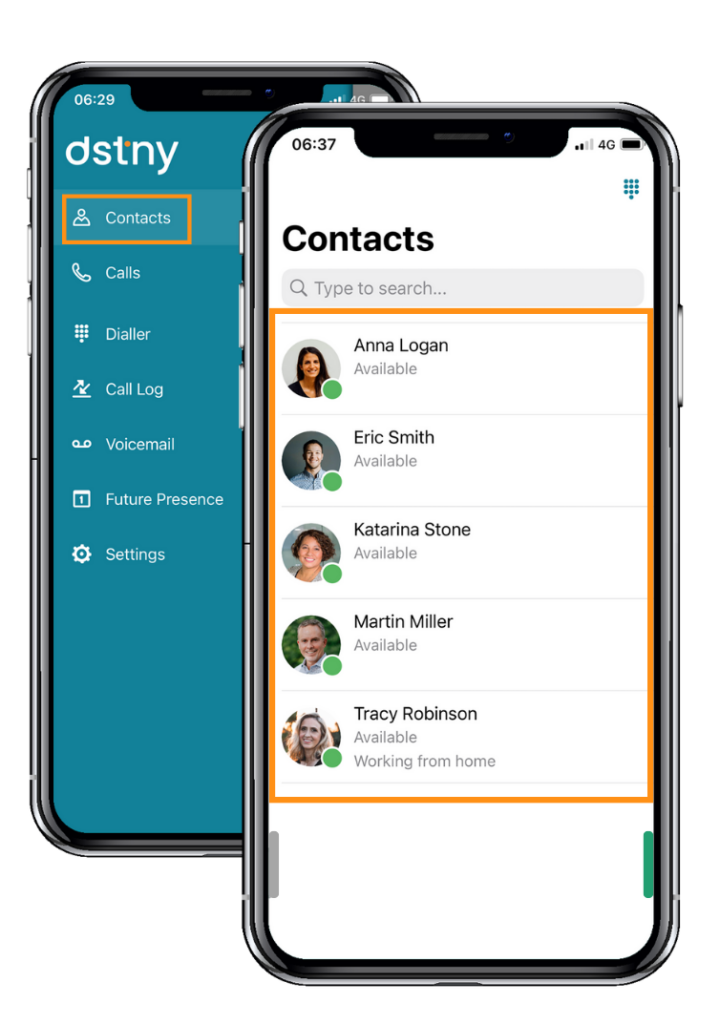
When you open the app, you’ll land on the Contacts screen by default.
What You’ll See:
- Your favorite contacts (set by you or pre-defined by your organization).
- The presence status of other users (Available, Busy, Do Not Disturb, etc.).
- Each contact’s call status (whether they’re on a call or available).
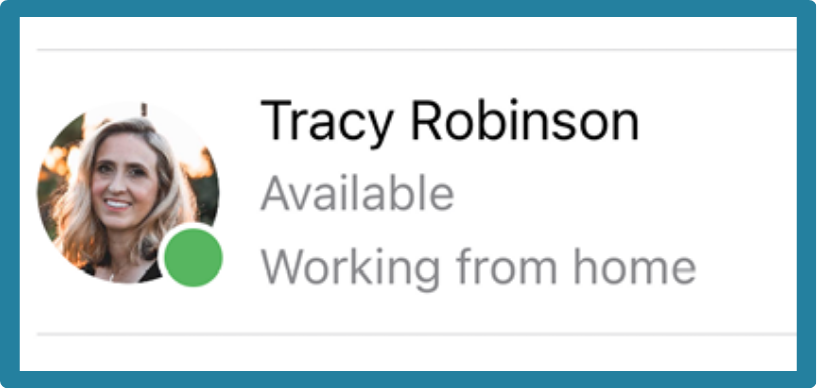
- Personal notes set by users.
Searching for Contacts
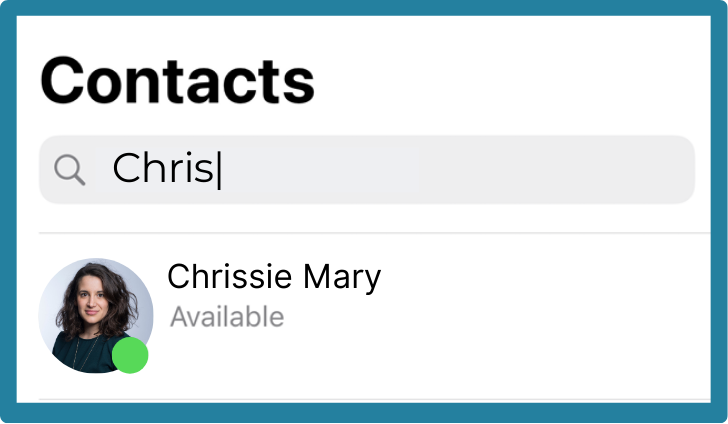
Use the Search Bar to quickly find:
- Company contacts (other Dstny app users in your organization).
- Personal contacts (from your mobile phone’s address book).
Tip: The app automatically merges your personal and company contacts for seamless calling.
Calling a Contact
To call a contact, you can:
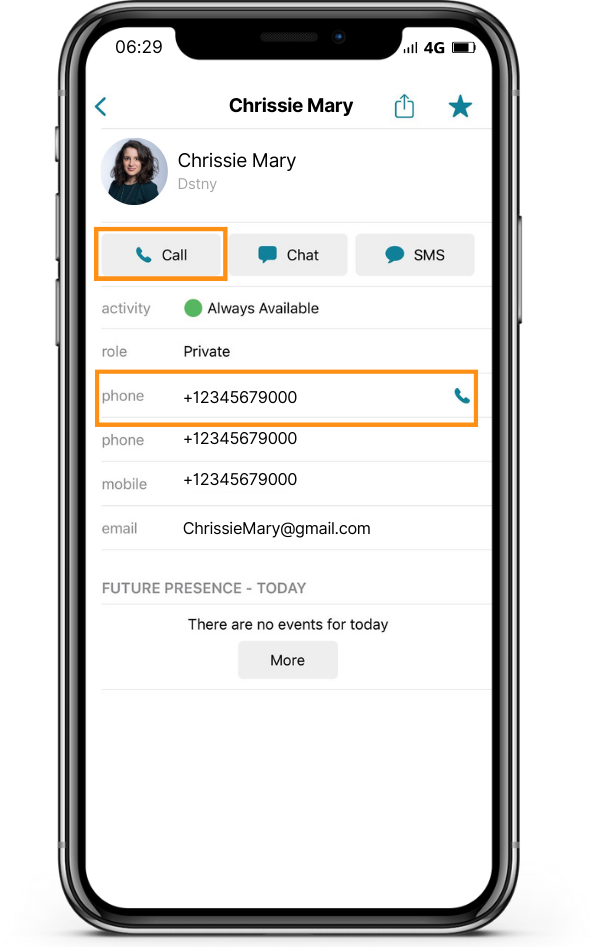
- Click the Call button next to their name.
- Tap on the contact, then select the number you wish to call.
Calling External Contacts
To call an external number:
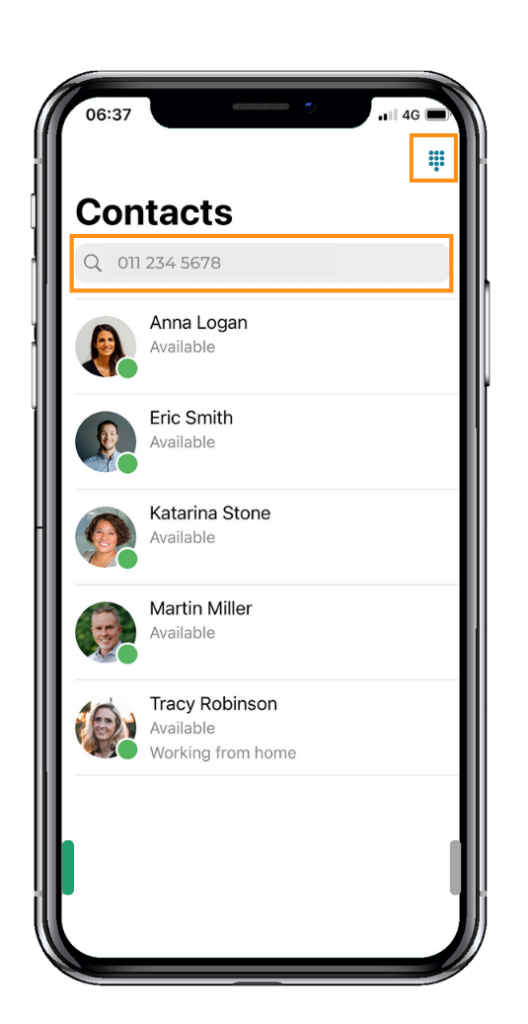
- Type the number directly into the Search Bar, OR
- Open the Dialer (tap the Dialer icon at the top right OR swipe left and select Dialer).
Adding & Managing Favorites
To add a contact to favorites:
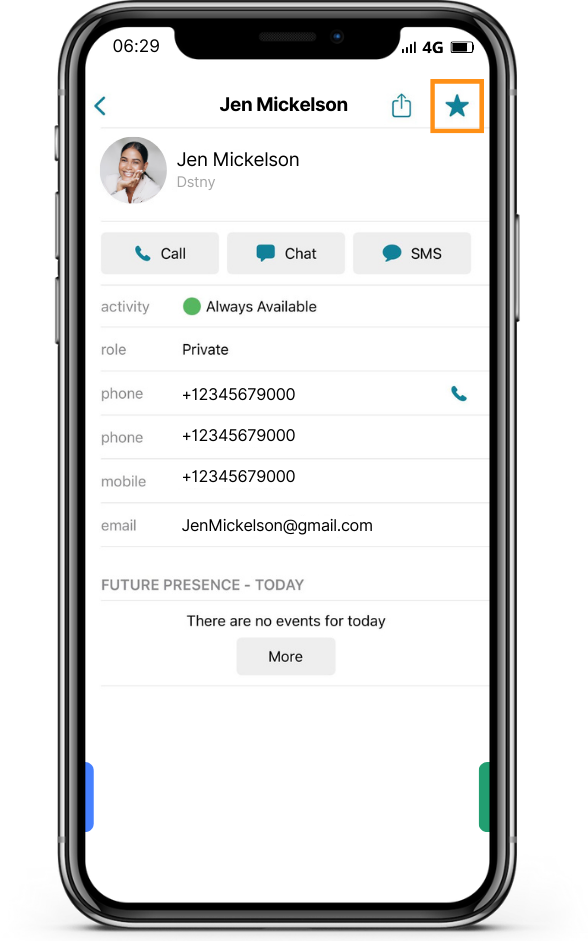
- Open the contact profile.
- Tap the star icon (top-right corner).
- Select Favorite to pin them to your Contacts screen.
Tip: Favorite contacts appear at the top of your list for quick access.
Viewing & Editing Contact Details
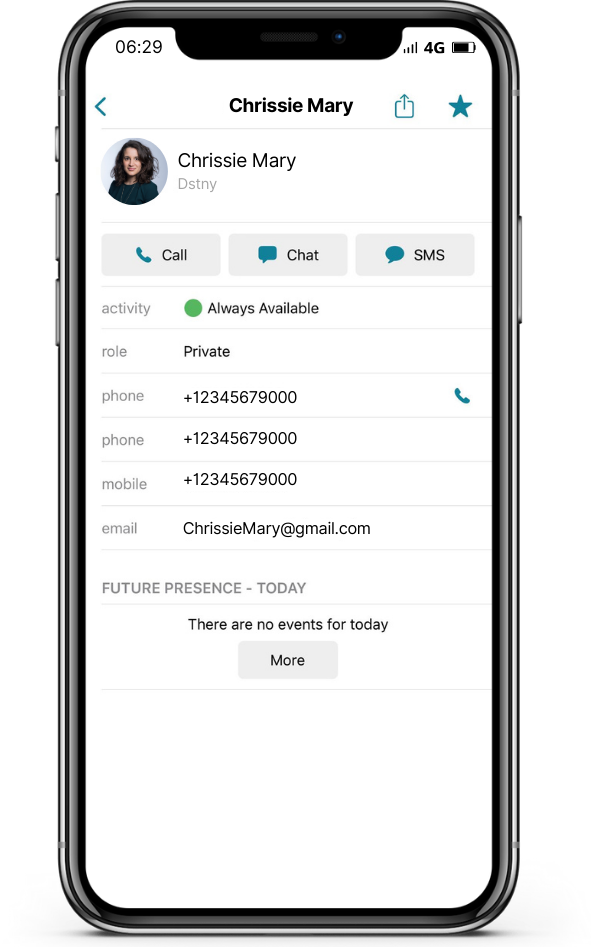
Tap on a contact to view their details, including:
- Phone numbers
- Presence status (Available, Busy, Away, etc.)
- Call history (previous calls with that contact)
- Personal notes
Editing a Contact:
- If it’s a personal contact, you can edit details directly.
- For company contacts, updates may be managed by your organization.
Call Log & Voicemail:
- View all dialed, received, and missed calls.
- Tap the phone icon to return calls instantly.
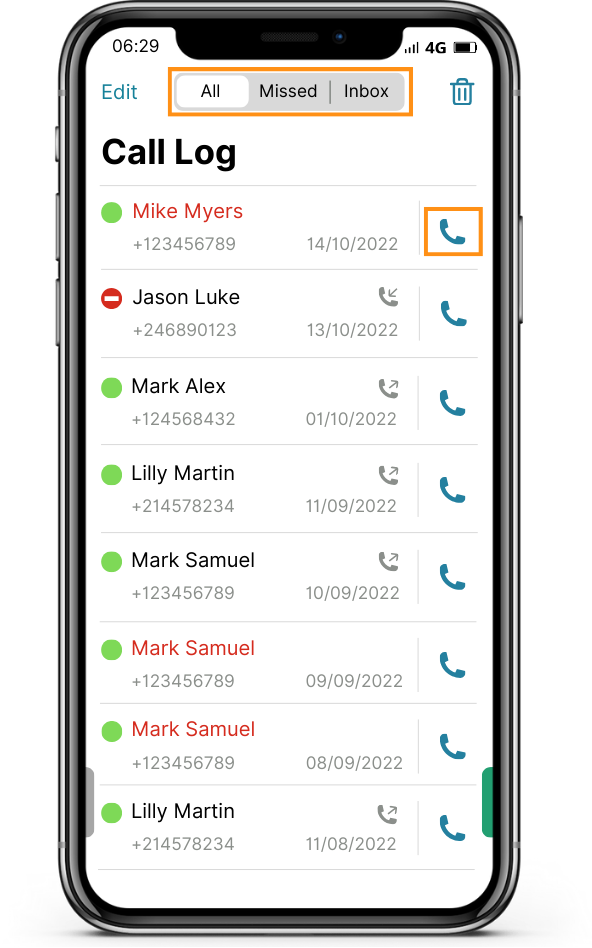
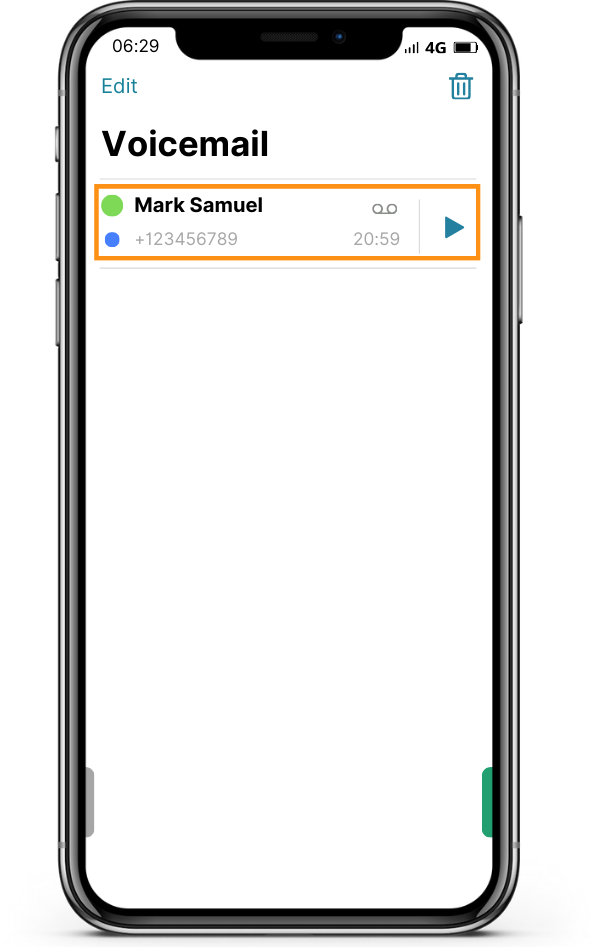
- Use Visual Voicemail to play messages at your convenience.