Dstny ConnectMe
Getting Started
Step 1: Open the Website
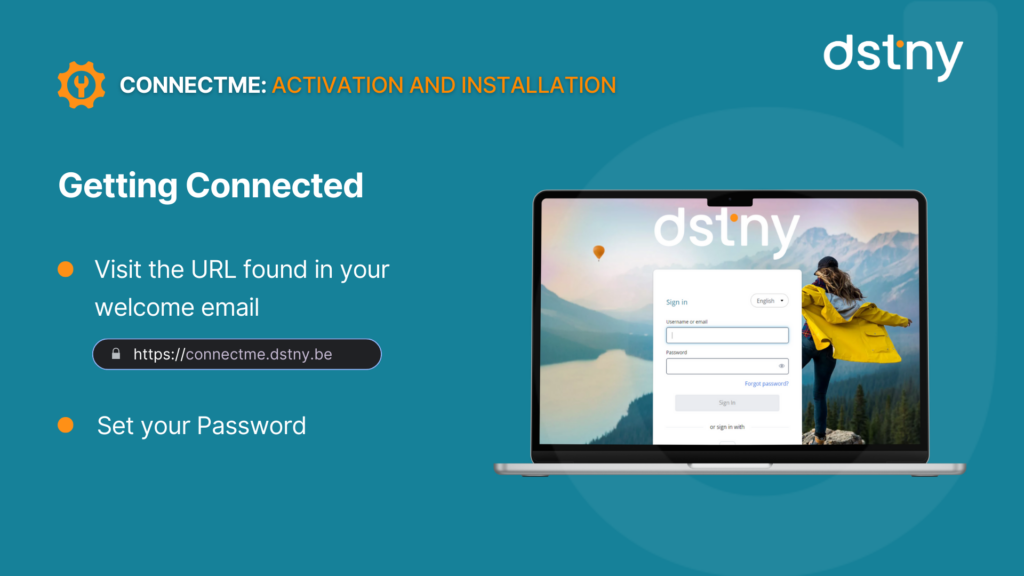
Go to the URL provided in your activation email.
Step 2: Set Your Password
Click the link in the email to set your password.
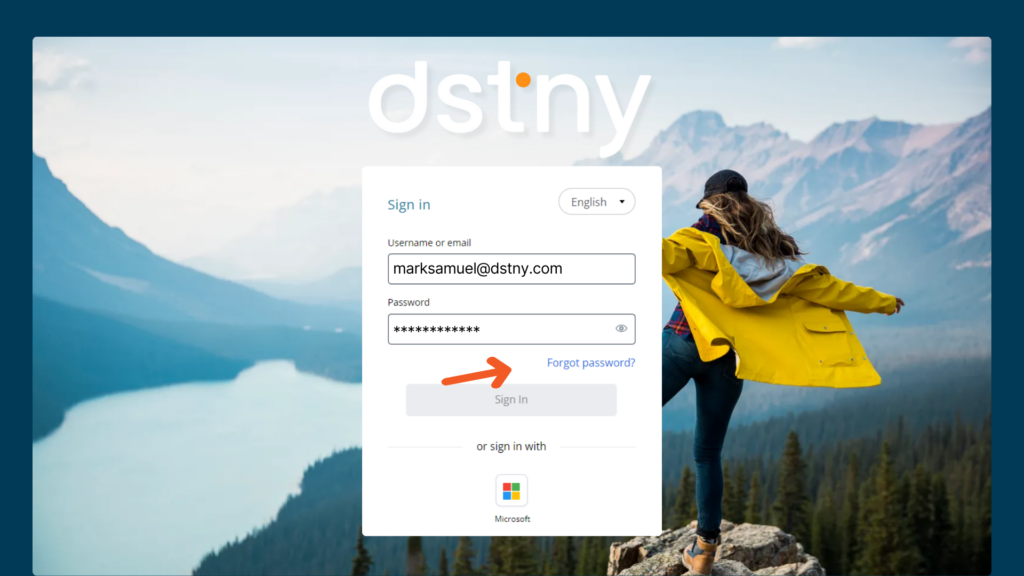
Alternatively, use “Forgot Password” on the login page.
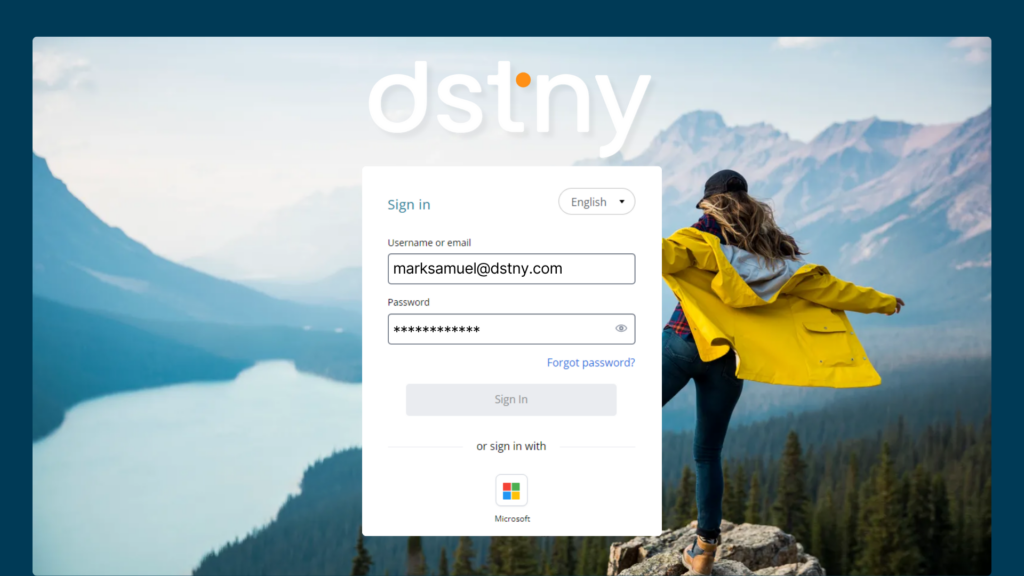
Step 3: Log In & Grant Permissions
Enter your credentials and log in.
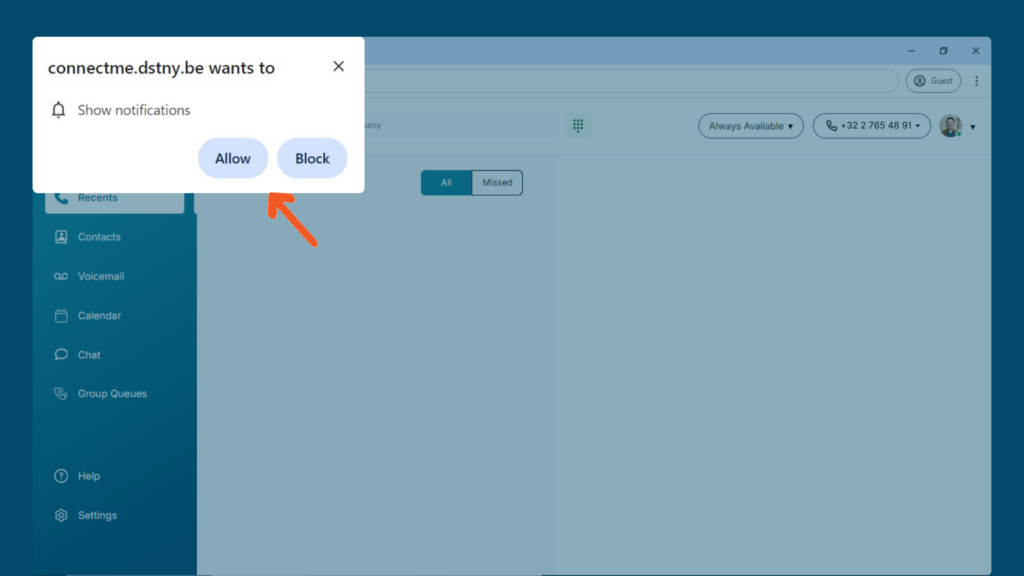
Accept the required permissions for the app to function properly.
Step 4: Accessing ConnectMe
You can now use all features via your web browser. However, for an optimized experience, install the desktop software.
Step 5: Install the Desktop Application
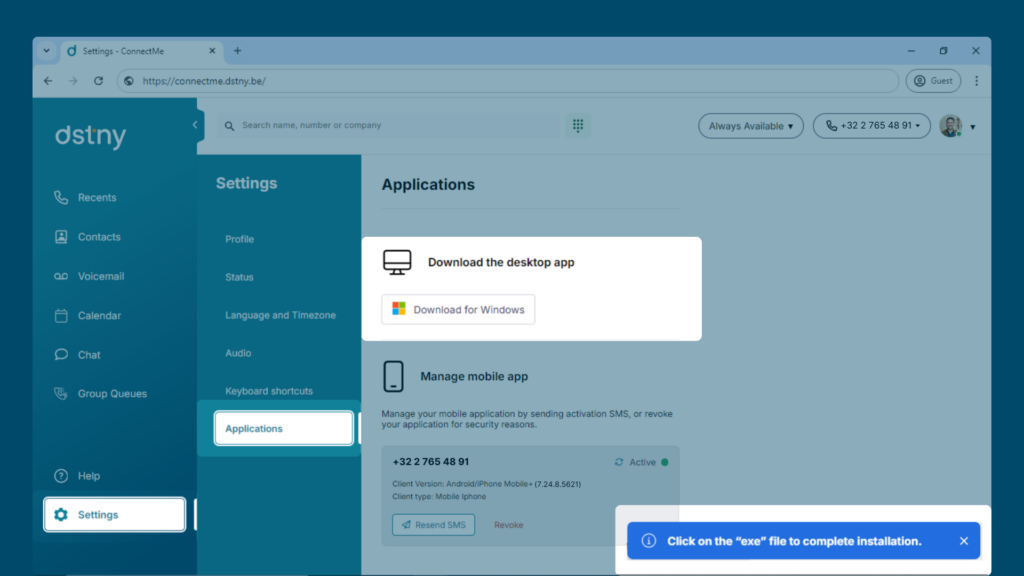
Go to Settings > Applications. Download the installation file. Run the installer. Open the application and log in again if prompted.
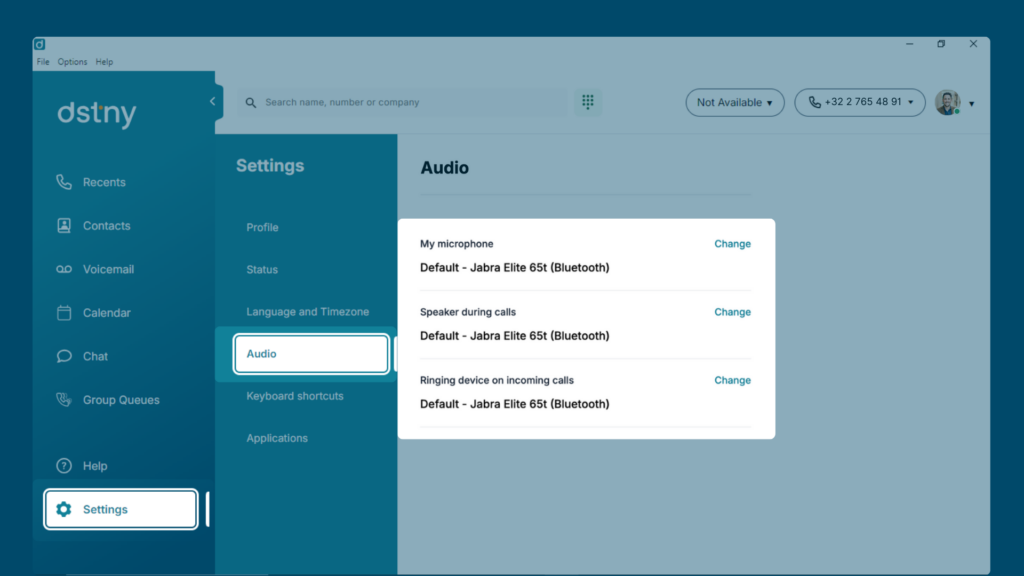
Step 6: Configure Your Audio Settings
Go to Settings > Audio. Ensure your microphone and speaker settings are correct.