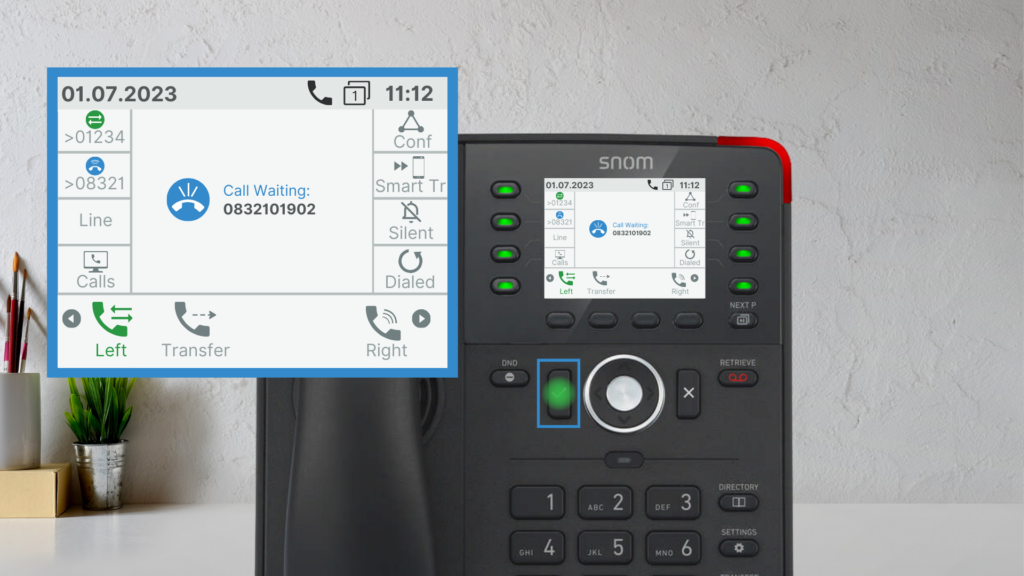
Snom D735
Call Handling
Making a Call
- Lift the handset, dial the number, and press Confirm.
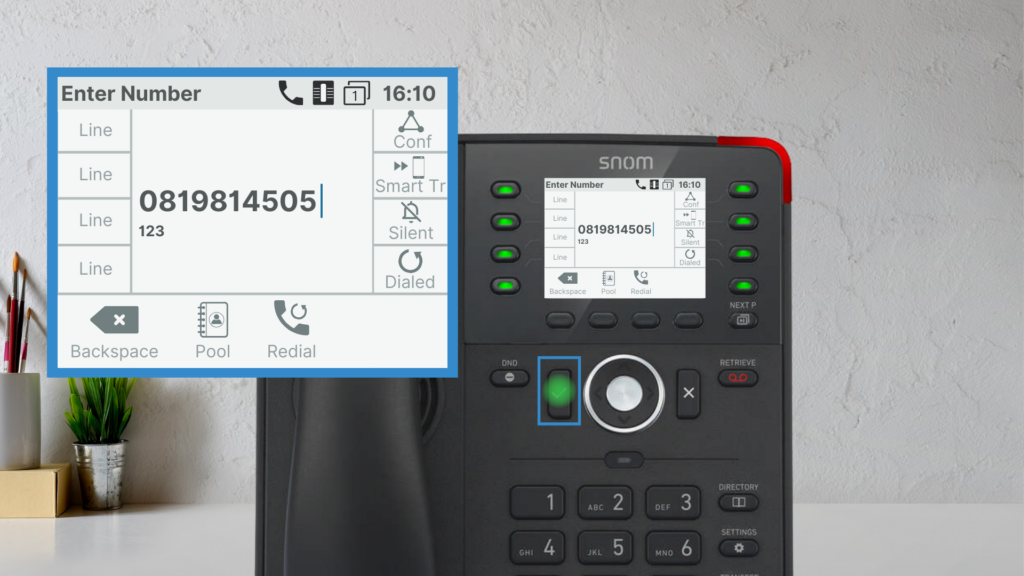
- Press the Speakerphone button for hands-free calling.
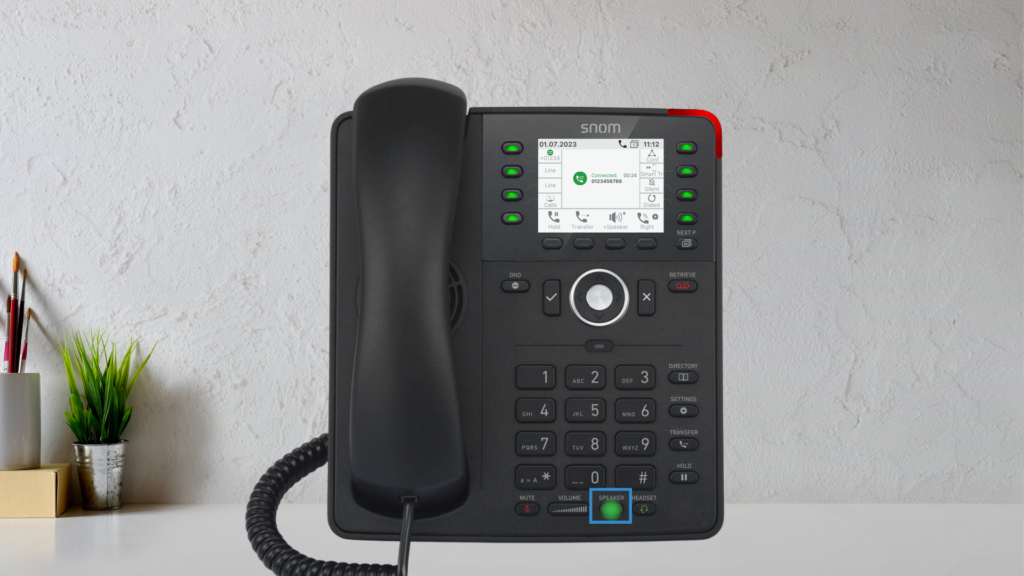
Answering a Call
- Pick up the handset.
- Press the blinking line key.
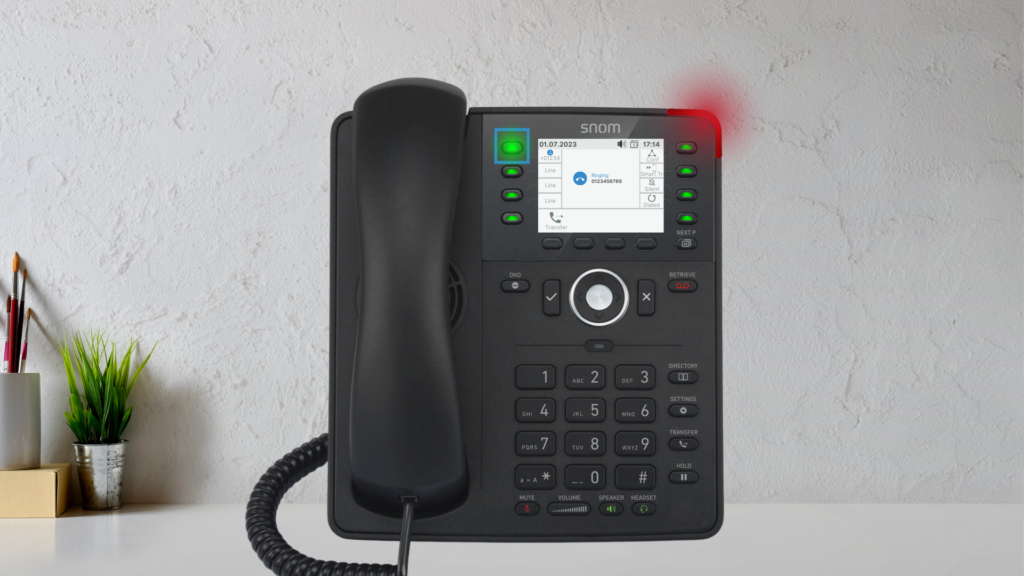
- Press the Speakerphone button to answer hands-free.
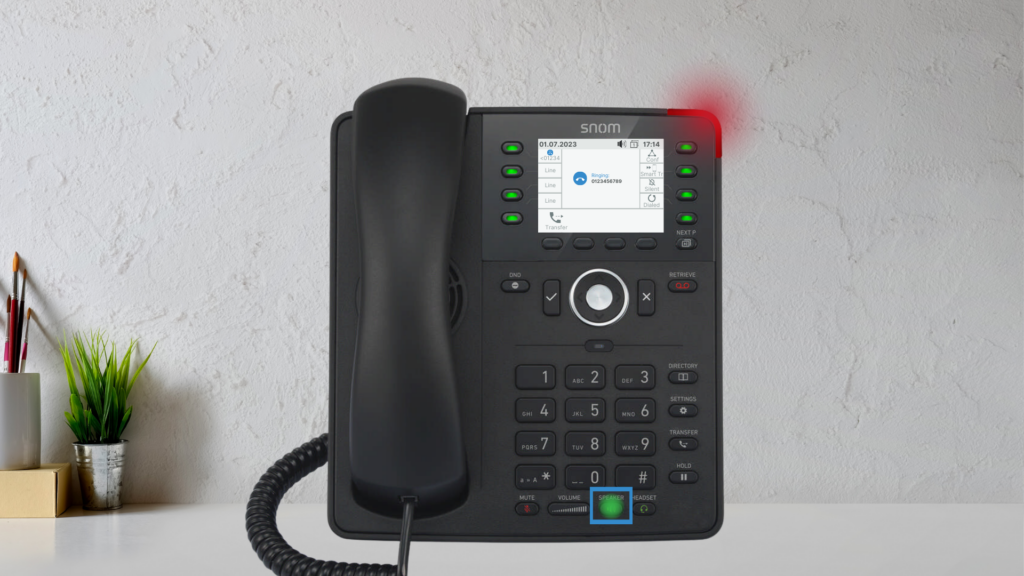
Placing a Call on Hold
- Press the Hold function key or Hold hard key.
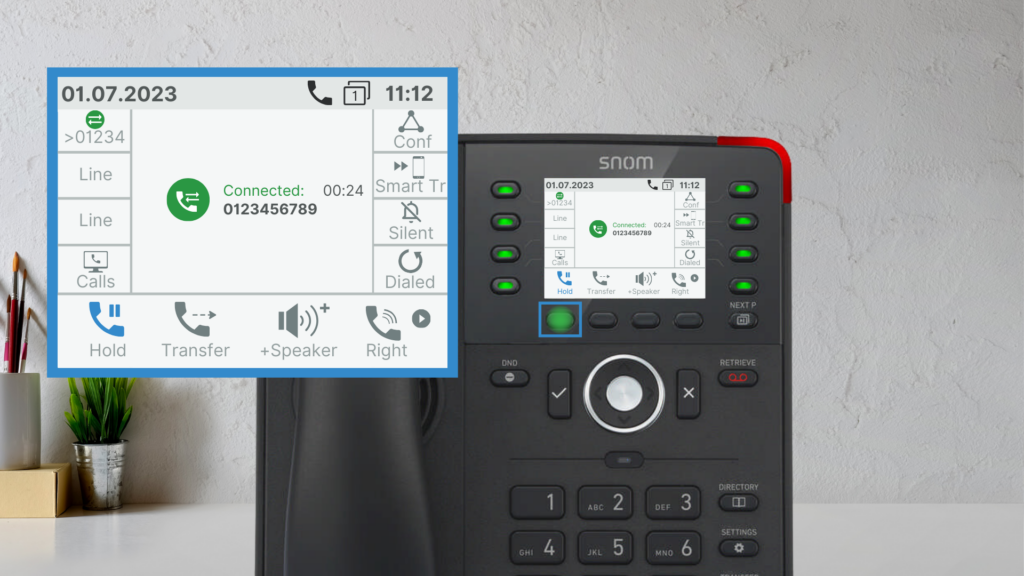
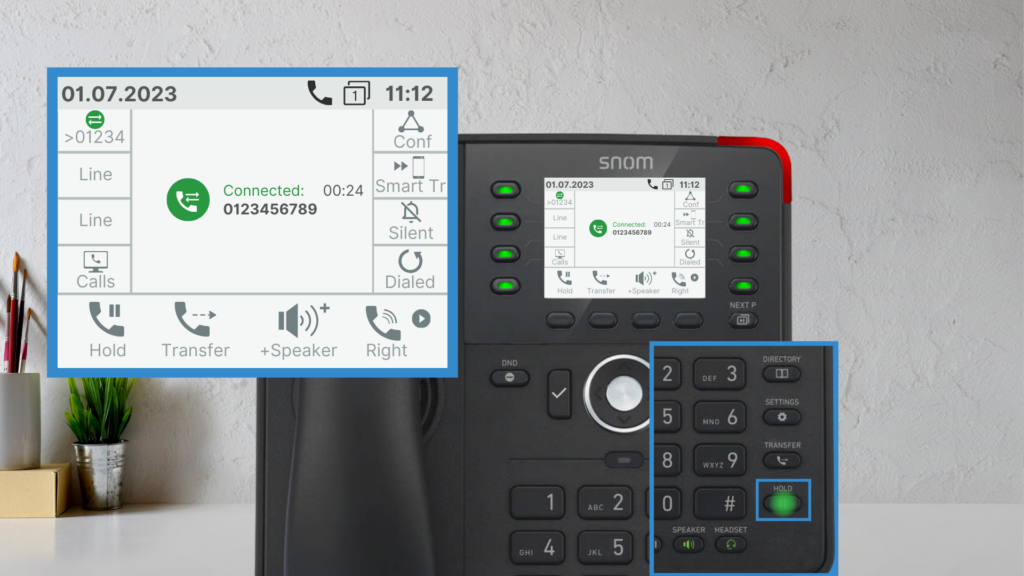
- The caller will hear hold music.
- To resume, press Retrieve.
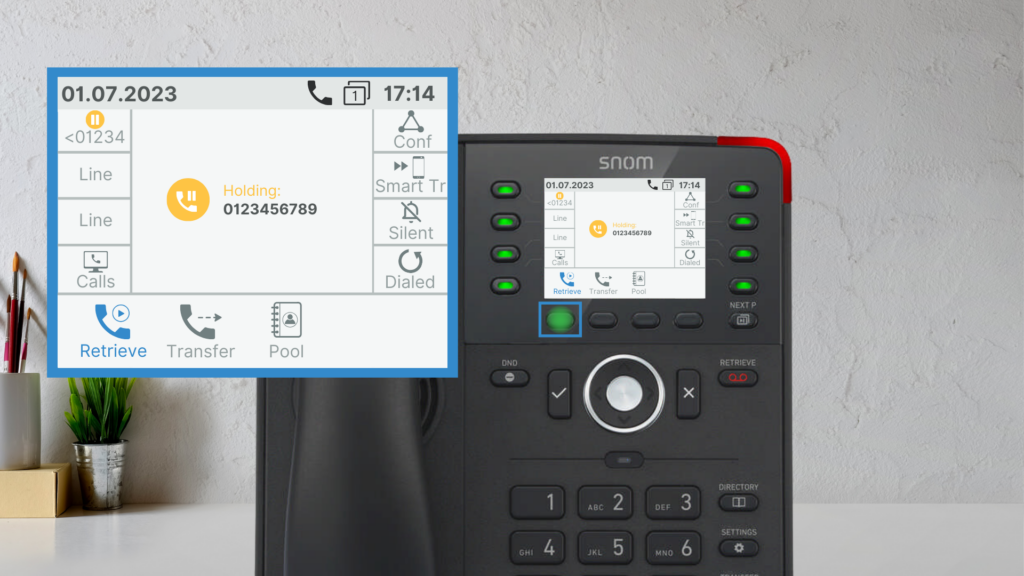
Handling Multiple Calls
If a second call comes in:
- A double beep will notify you.
- The caller ID will appear on-screen.
- Press the blinking line key to answer (this will place your current call on hold).
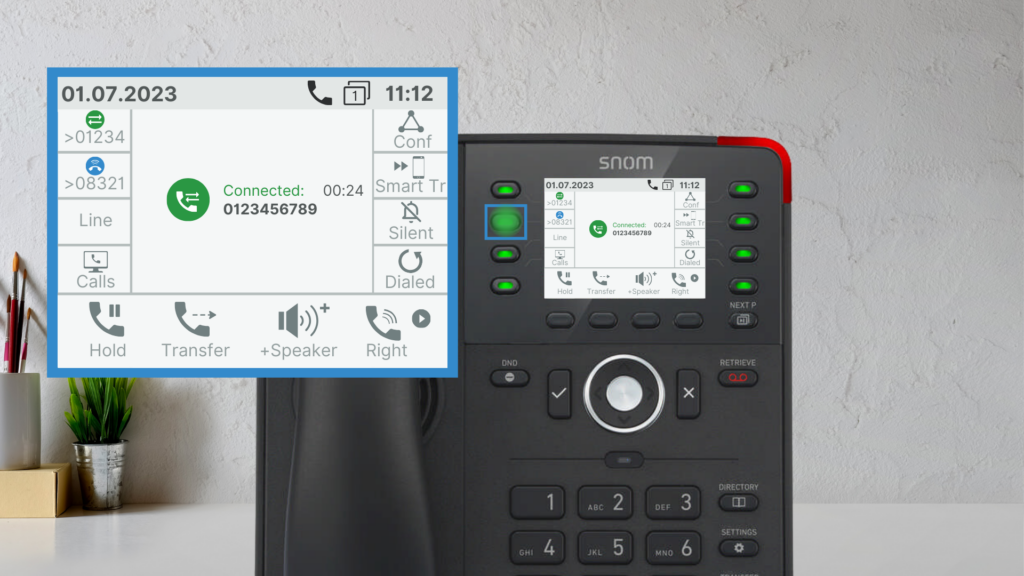
Rejecting a Second Call:
- Press Cancel to reject.
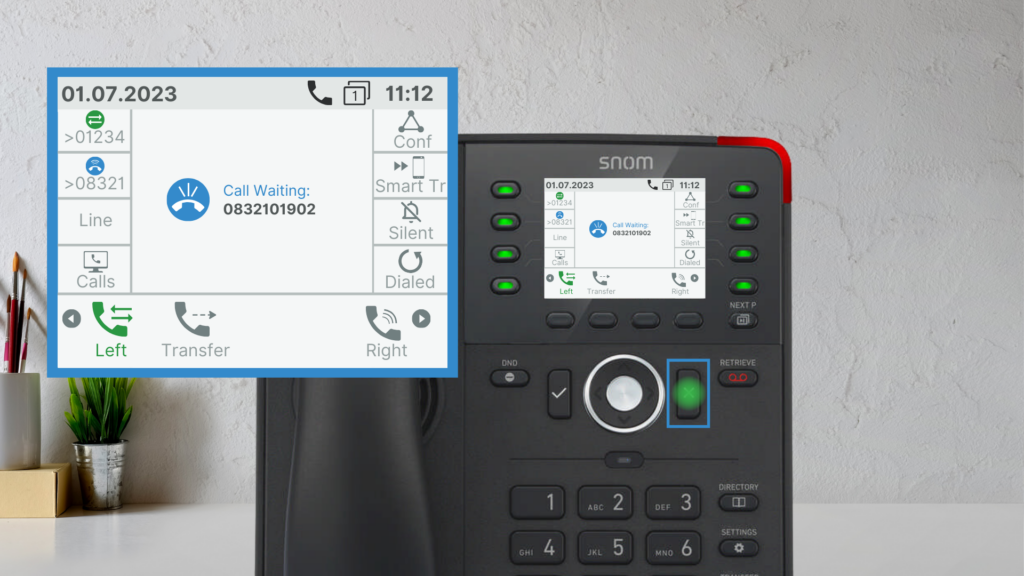
- Press Confirm to accept and put your first call on hold.