Snom D735
Navigating
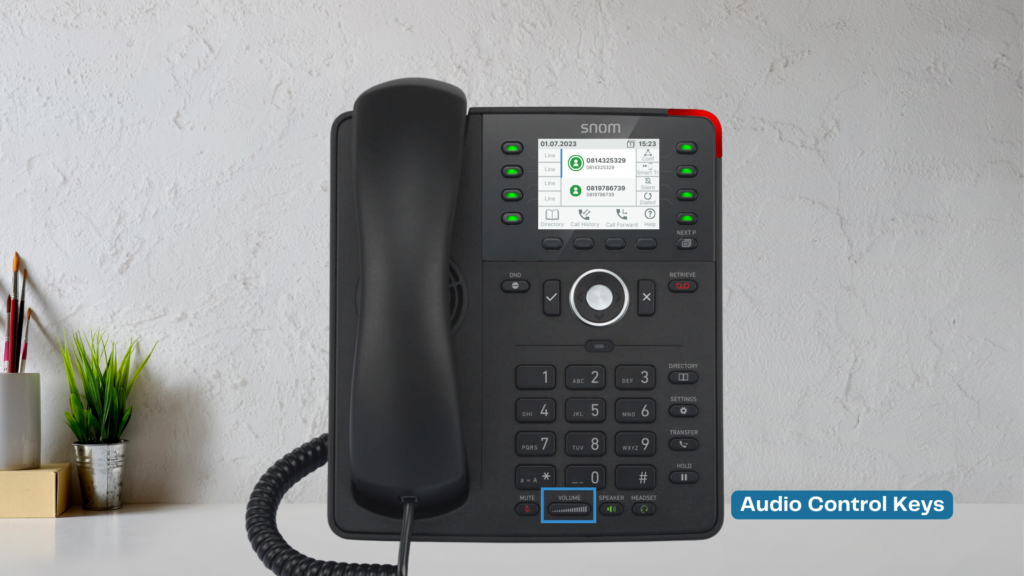
Your phone has various keys and features to help you operate it smoothly.
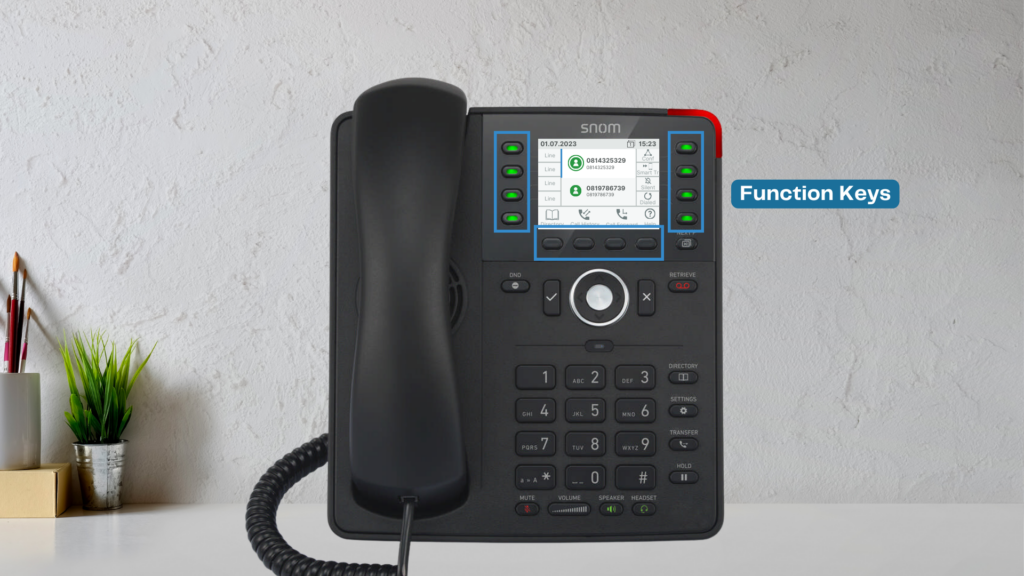
- Function Keys & Smart Labels – Located on the sides and below the screen, these can be customized for quick access to contacts or functions.
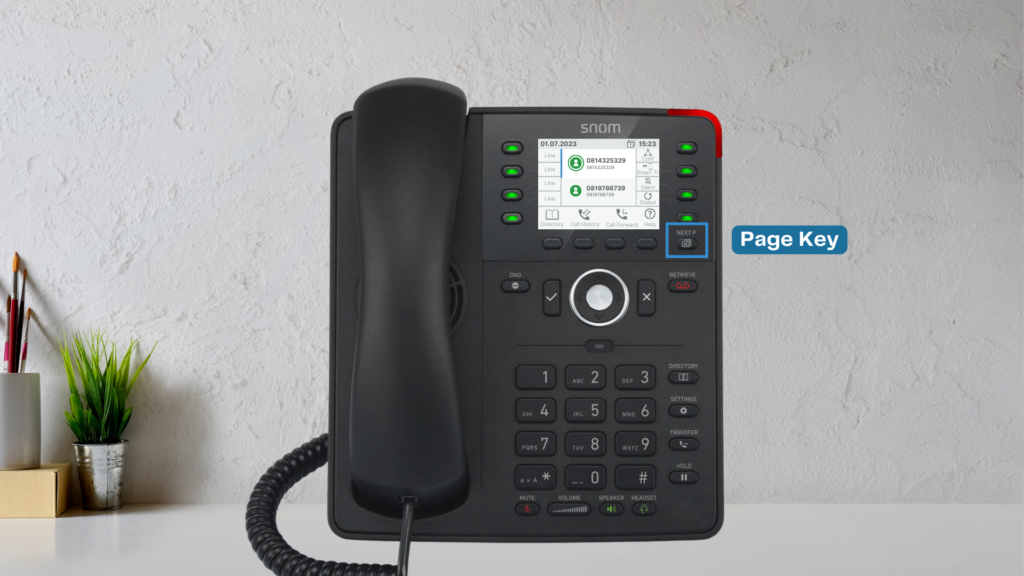
- Page Key – Allows you to navigate function key pages.
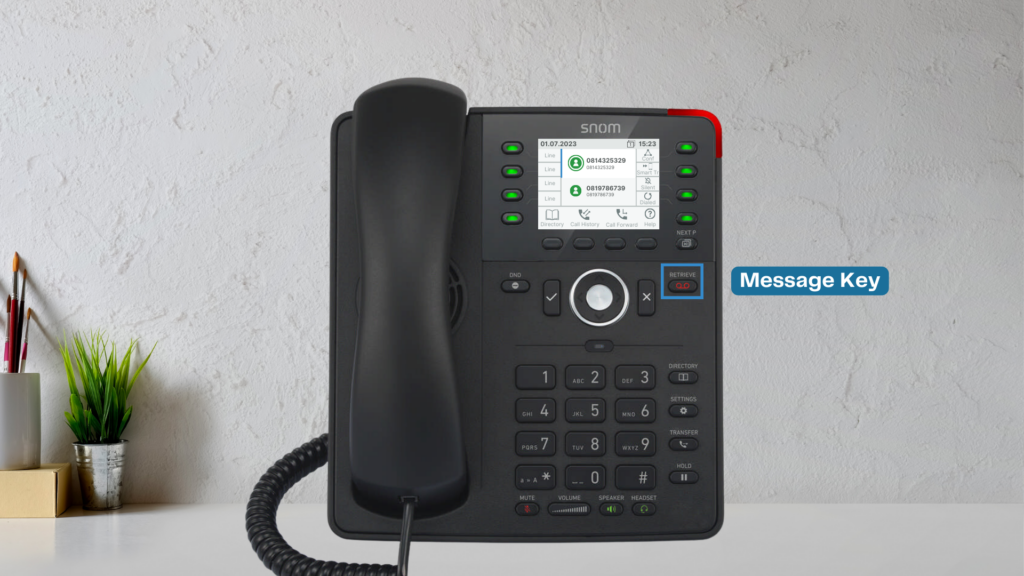
- Message Key – Provides quick access to your voicemail.
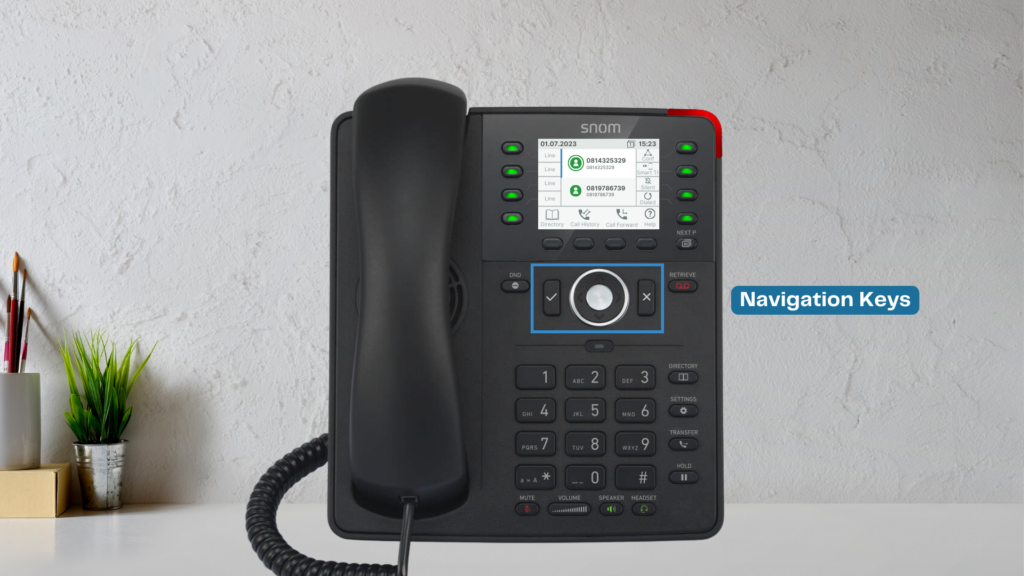
- Navigation Keys – Used for scrolling through menus and call history.
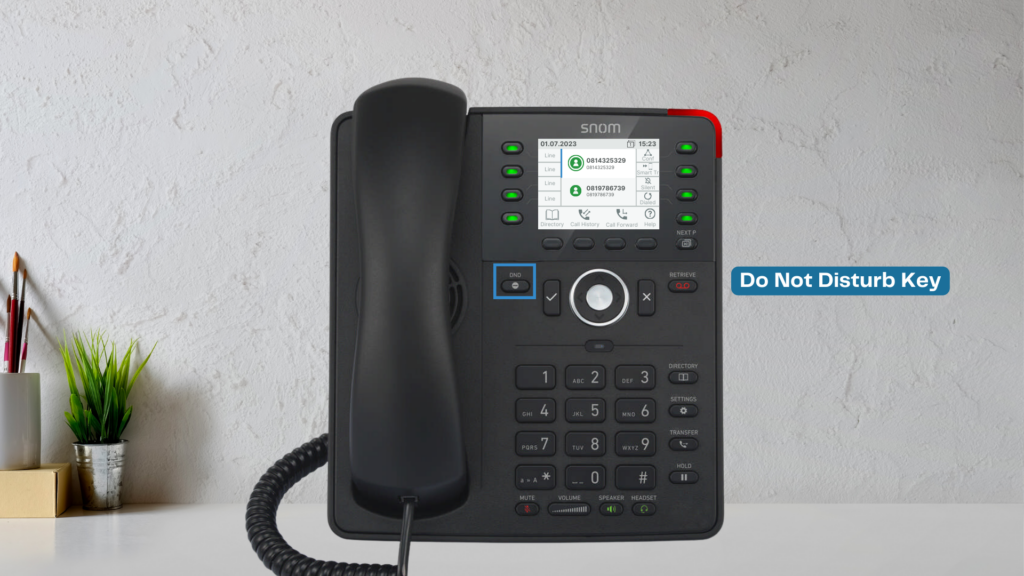
- Do Not Disturb Key – Enables the Do Not Disturb feature to block calls.
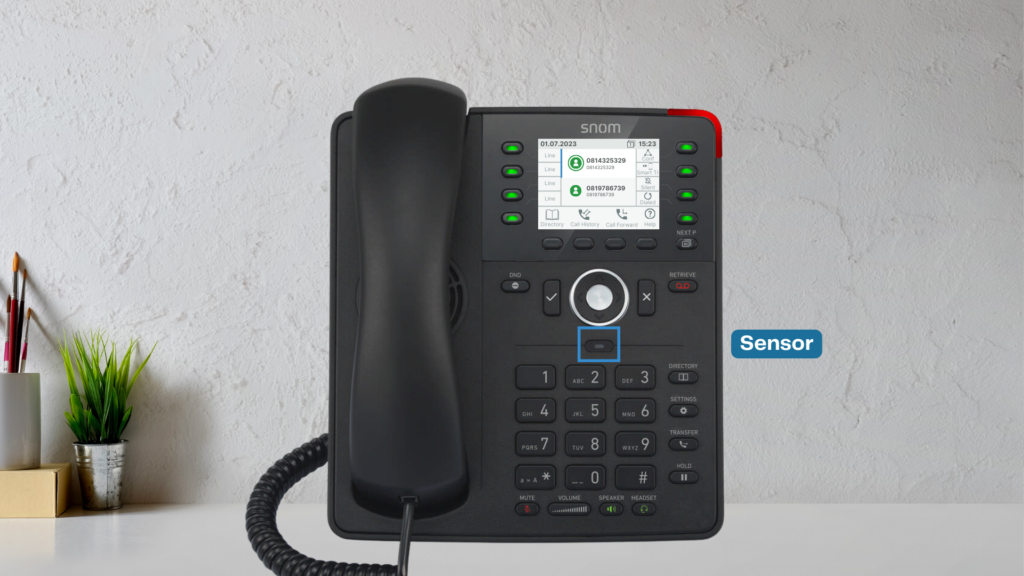
- Proximity Sensor – Enhances user interface responsiveness.
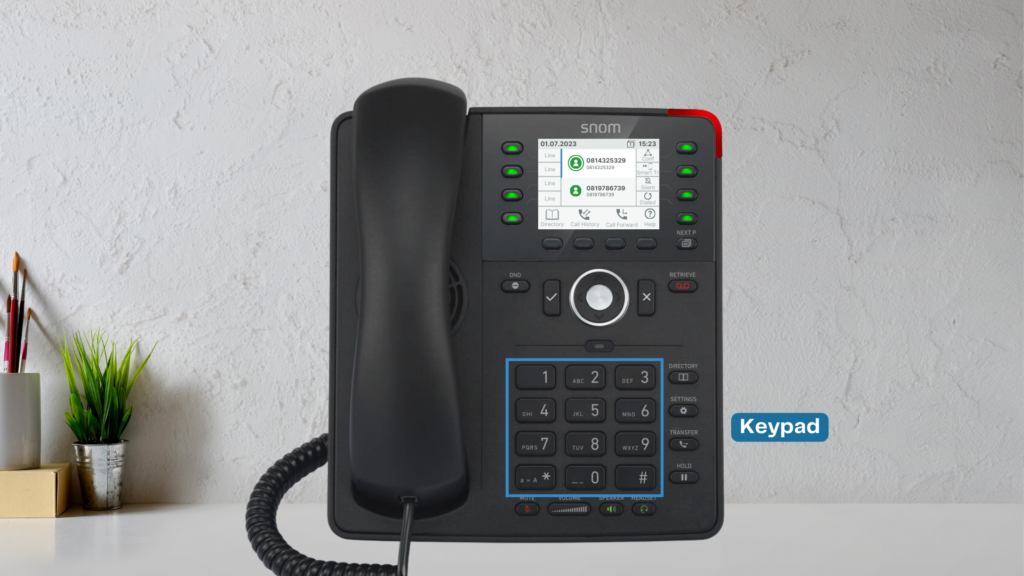
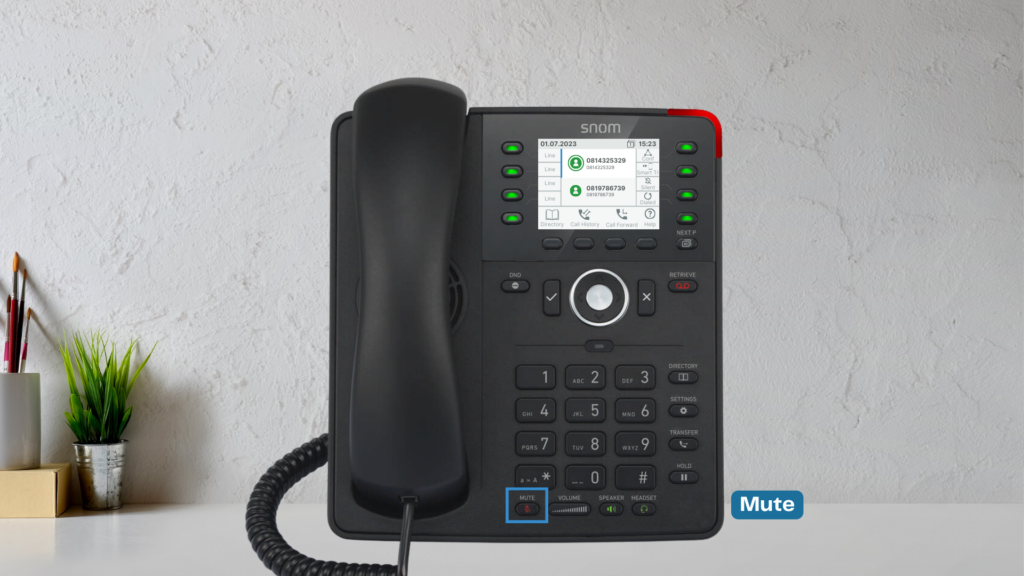
- Keypad, Mute, and Volume Buttons – Controls call audio and dialing.
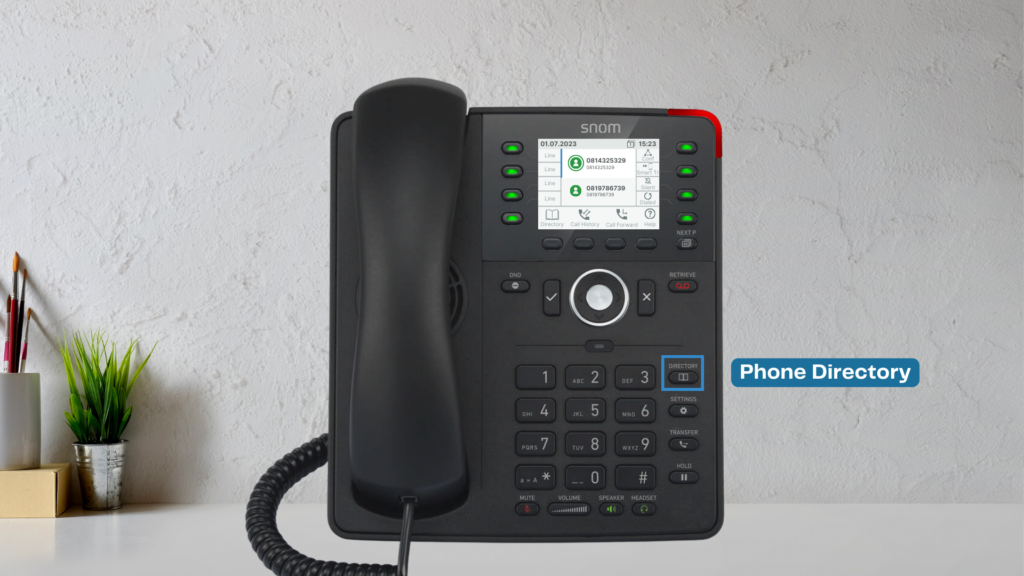
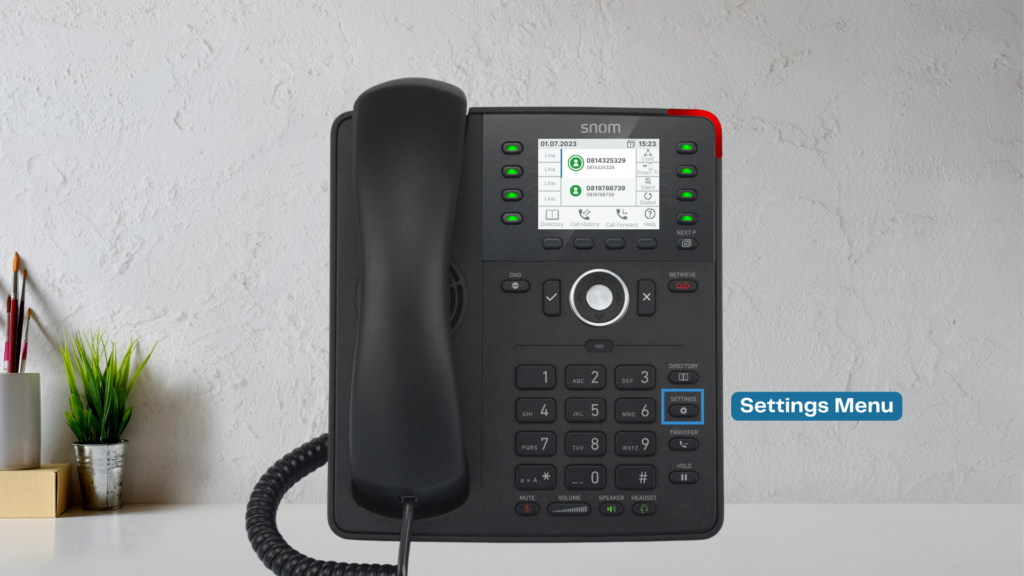
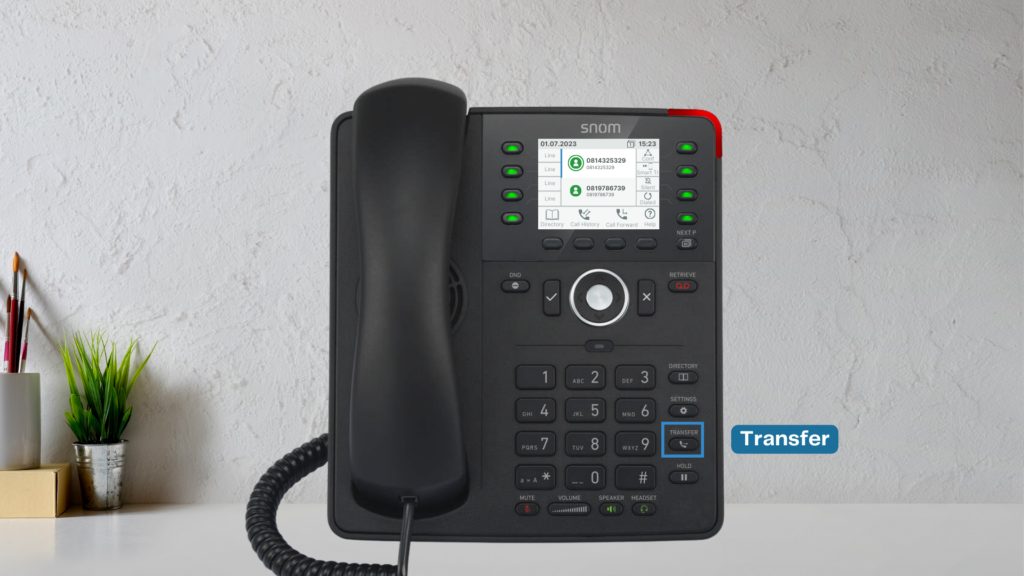
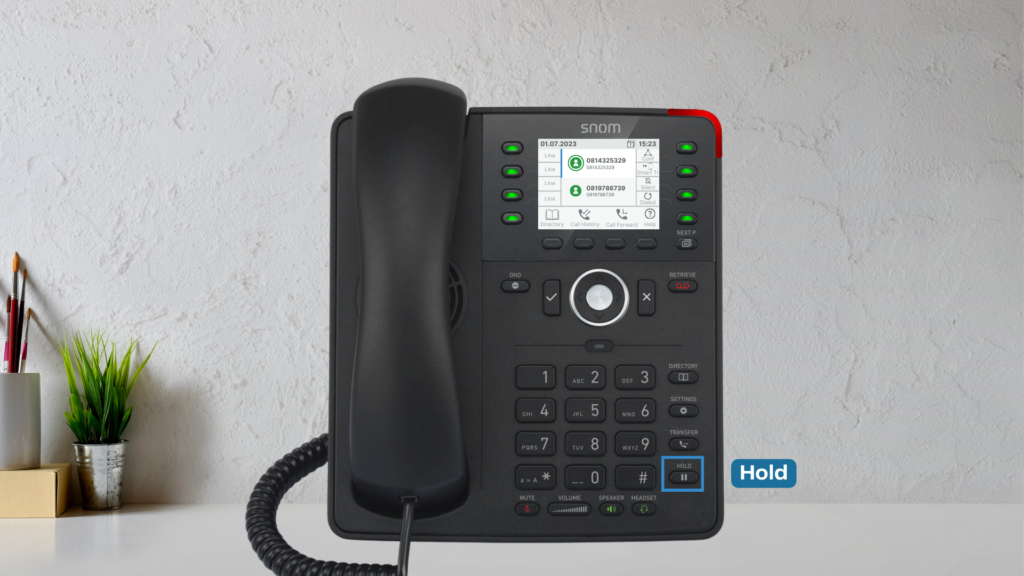
- Directory, Settings, Transfer, and Hold Keys – Used for managing calls and accessing settings.